
AI PromptMatrixAI PromptMatrix
bg
80s Bollywood Couple Portrait
ChatGPT logoChatGPT

80s Bollywood Couple Portrait

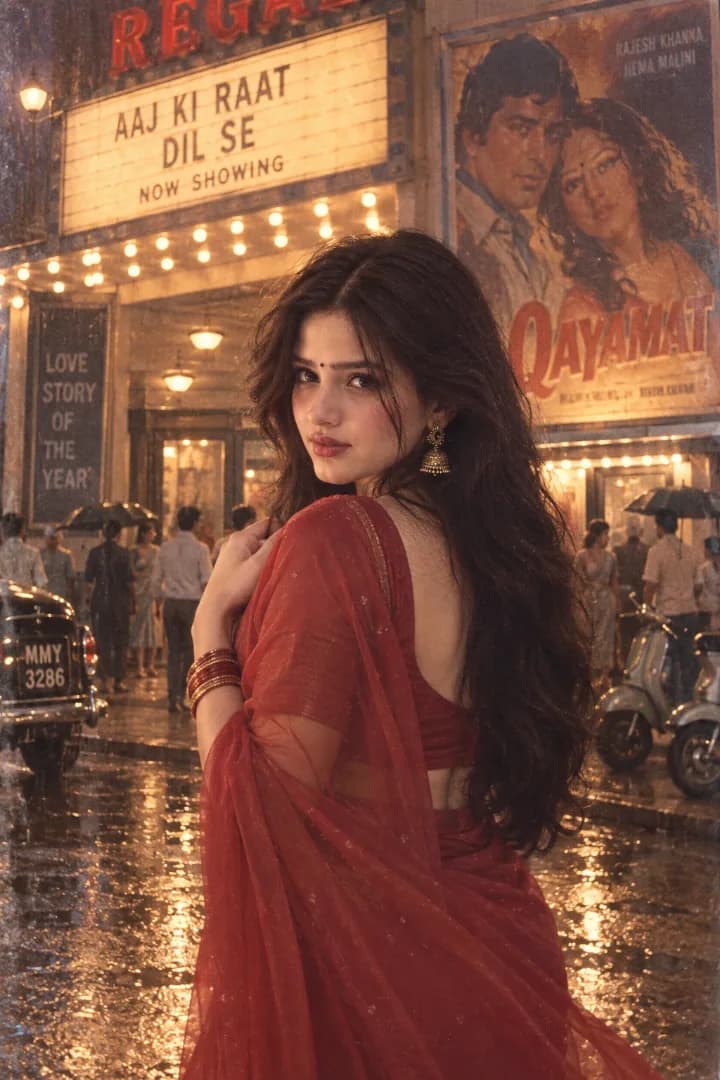
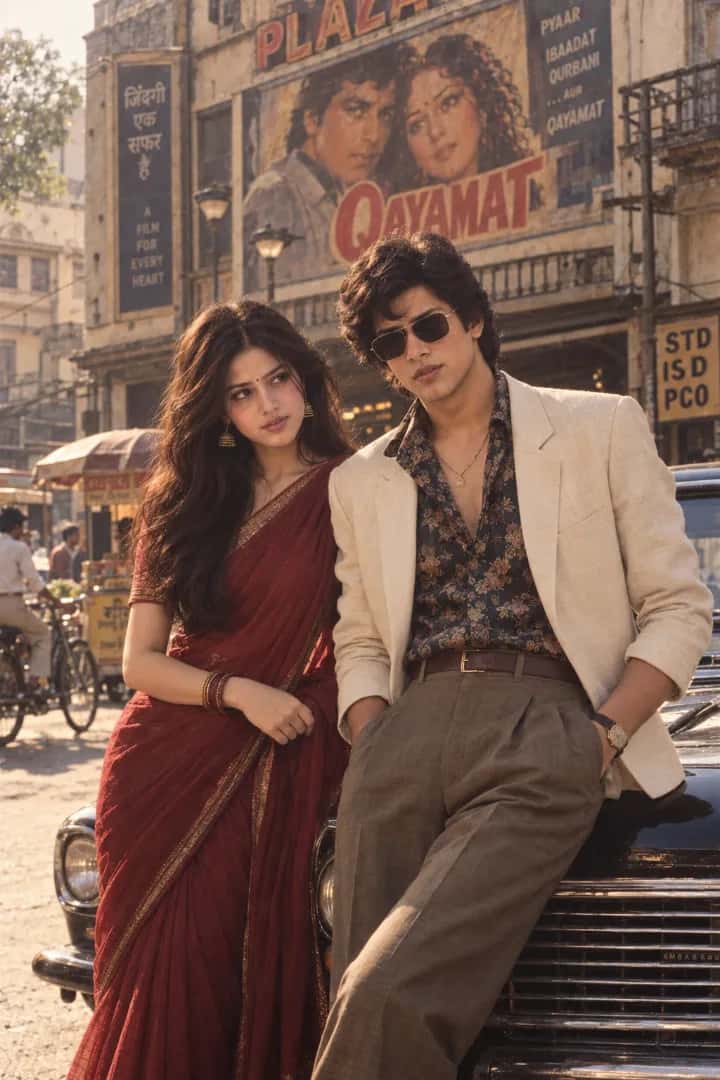
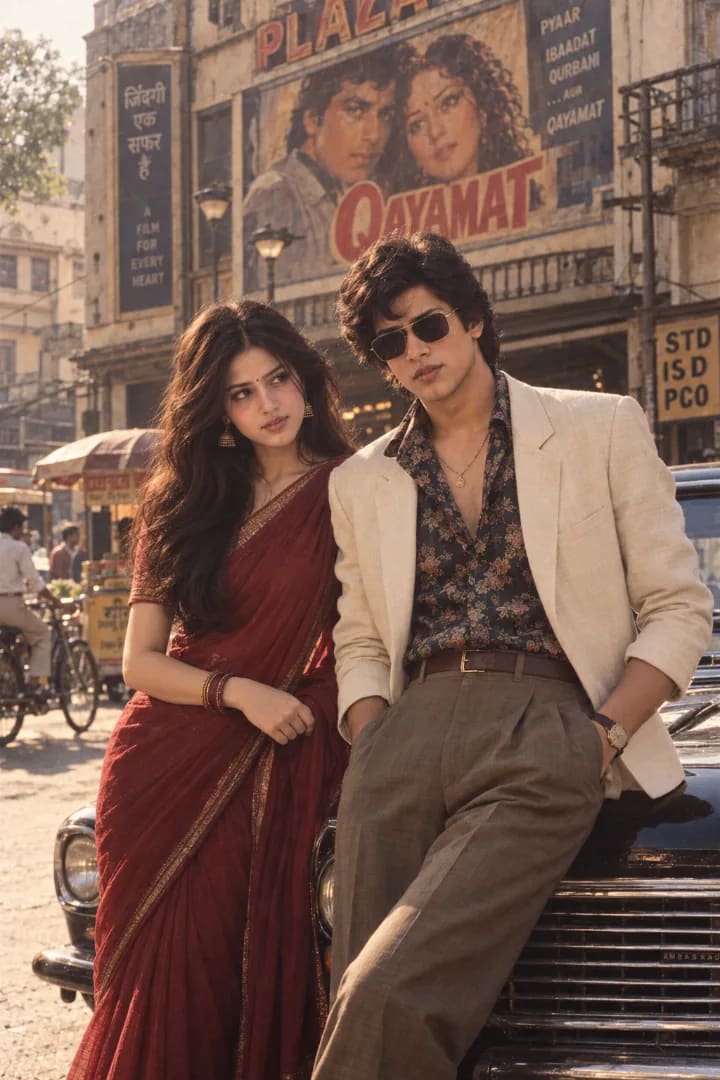
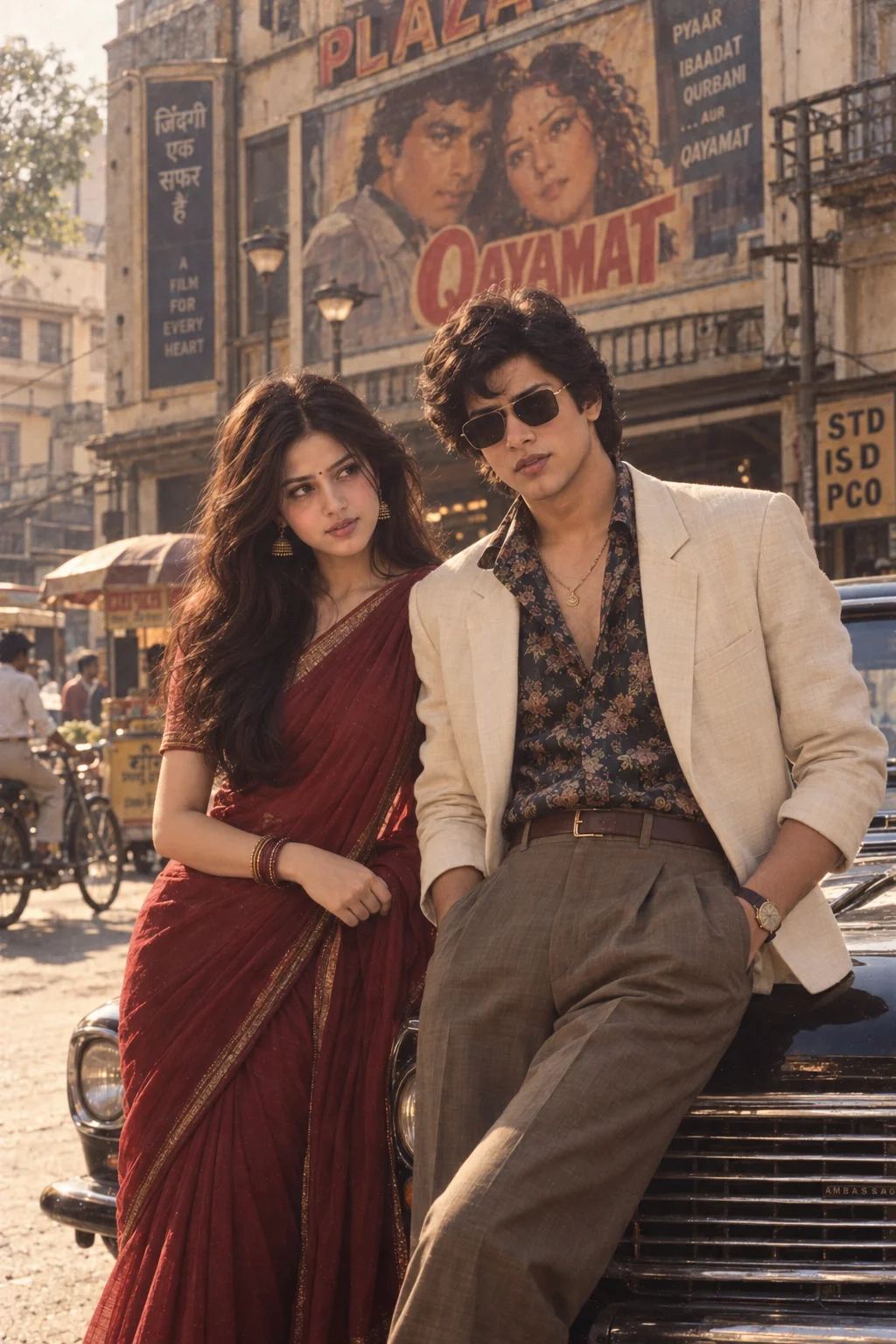
A romantic 1980s Bollywood scene with a couple beside a classic Indian car, styled in vintage sarees, retro fashion, and warm film tones.

AI

AI PromptMatrix Editorial Team

Published on September 10, 2026

Prompt Gallery (1)
80s Bollywood Couple Portrait — ChatGPT prompt 1
ChatGPT logoChatGPT
PROMPT #1

Prompt

Use the two uploaded photos as the ONLY identity references. Preserve both people’s exact facial identities, facial proportions, skin tones and recognizable features. Create a cinematic late-1980s Bollywood scene featuring the two together beside a vintage Indian car on an old city street. The woman wears a flowing deep maroon saree with a classic blouse, gold earrings, bangles and voluminous 80s hair. The man wears a cream blazer, patterned open-collar shirt, high-waisted trousers, vintage watch and subtle gold chain. They stand close to the car in a natural cinematic composition: she looks toward him with a soft expression while he looks toward the camera, creating the feeling of a classic romantic film still without exaggerated posing. Background: old Indian buildings, faded cinema posters, bicycles, vintage scooters, roadside vendors and warm dusty sunlight. Photograph it as an authentic 35mm Bollywood film still with warm golden tones, subtle grain, soft contrast, slight halation, shallow depth of field, natural skin texture and imperfect analog color reproduction. Photorealistic, nostalgic Indian cinema atmosphere, believable 1980s styling. Avoid modern vehicles, smartphones, contemporary architecture, modern clothing, excessive sepia, CGI, illustration, artificial faces or altered identities.

Model: GPT Image 2

Share

Quick workflow

How to use these prompts

Copy, customize, and generate. Keep the original prompt structure intact, then adjust only the details you want to change.

01

Open ChatGPT

Use the tool or model listed with this prompt. If multiple tools are shown, choose the one you prefer.

02

Copy the prompt

Use the copy button on any prompt card, or copy the entire collection above.

03

Upload reference image

Attach your reference image first when the prompt is image-guided.

04

Customize details

Replace placeholders, names, colors, aspect ratio, or style notes as needed.

05

Paste and generate

Paste the prompt with the image, generate the artwork, then refine in small steps.

Keep exploring

Browse more prompt pages with examples, model notes, and copy-ready creative workflows.

Open prompt library