
AI PromptMatrixAI PromptMatrix
bg
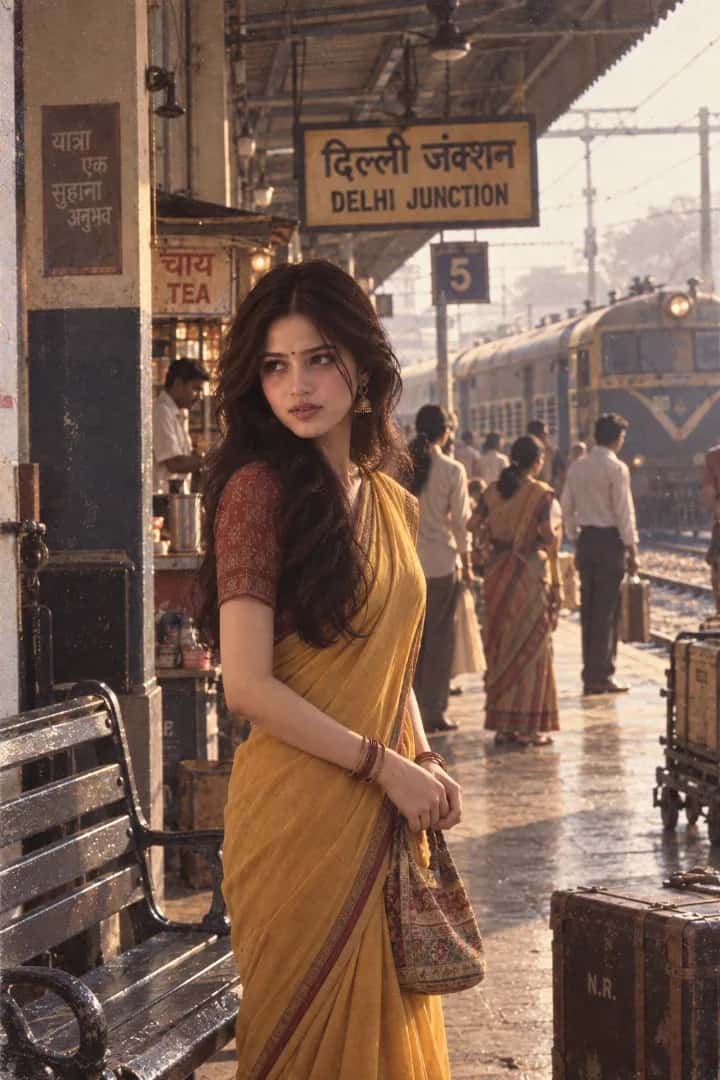
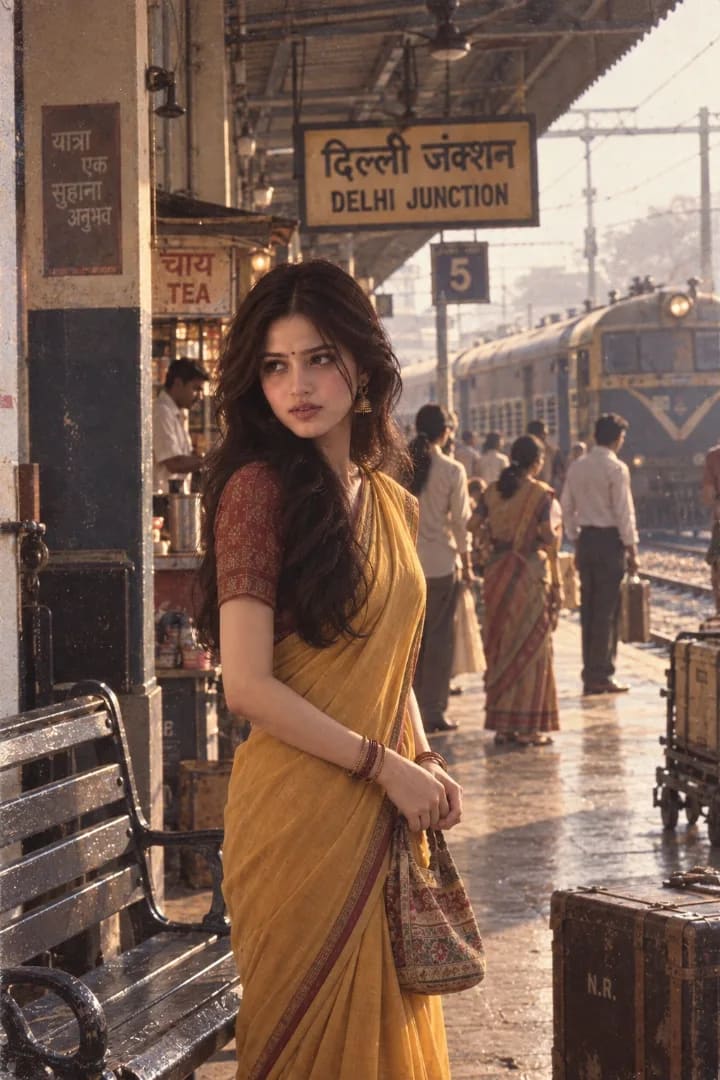
80s Indian Railway Saree Portrait
ChatGPT logoChatGPT

80s Indian Railway Saree Portrait

Create a late 1980s Indian railway portrait with a ChatGPT prompt, featuring a mustard saree, vintage train station, warm sunlight, and 35mm film texture.

AI

AI PromptMatrix Editorial Team

Published on September 10, 2026

Prompt Gallery (1)
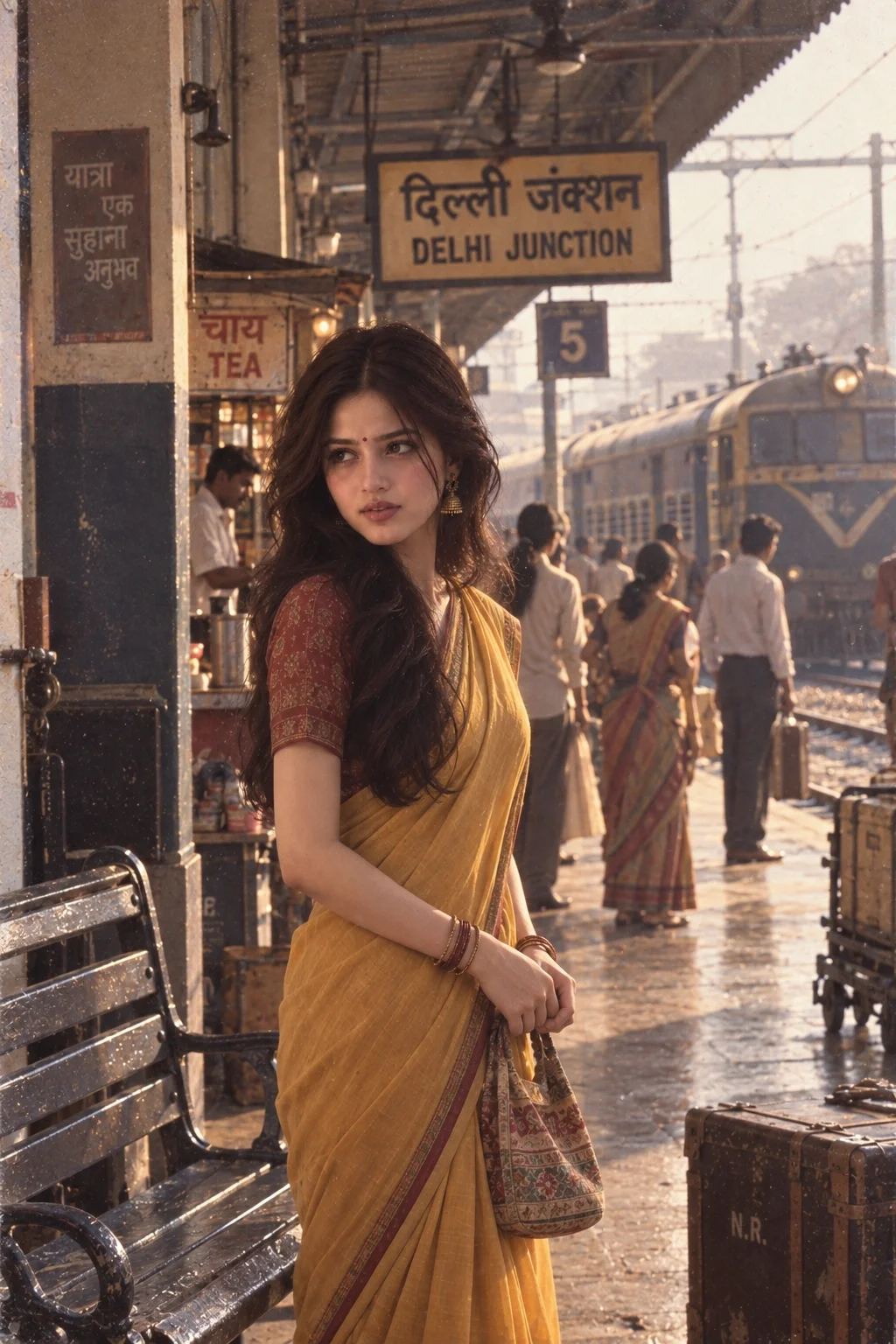
80s Indian Railway Saree Portrait — ChatGPT prompt 1
ChatGPT logoChatGPT
PROMPT #1

Prompt

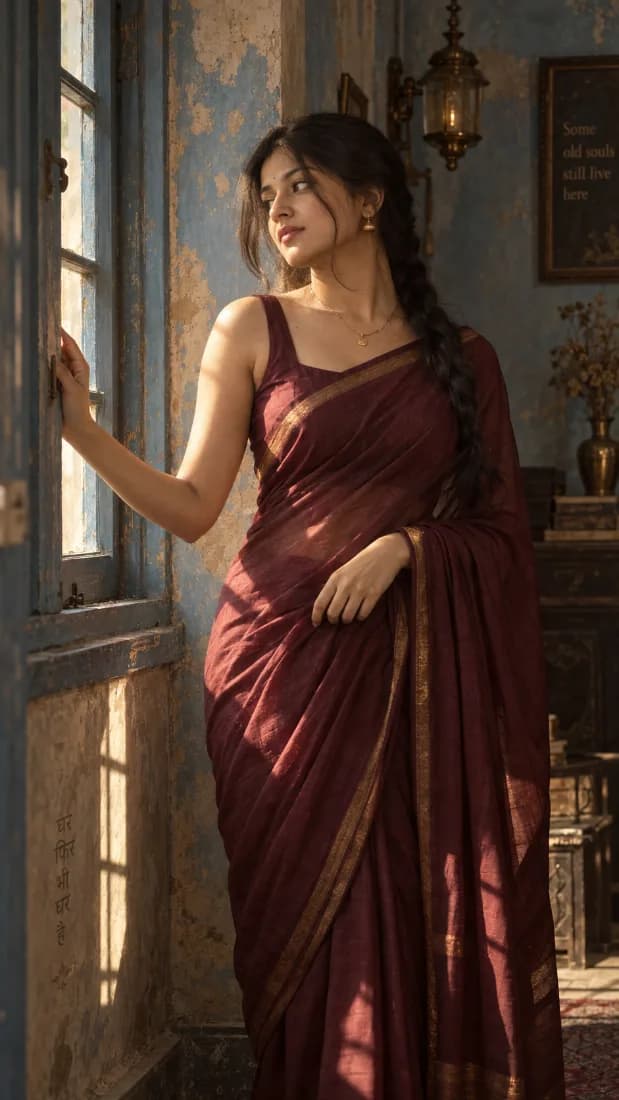
Use the uploaded photo as the ONLY identity reference. Preserve her exact facial identity and natural recognizable features. Reimagine her as a young Indian woman in the late 1980s wearing a traditional mustard-yellow cotton saree with a contrasting vintage blouse, small bindi, simple gold earrings, bangles, and softly teased shoulder-length 80s hair. She is standing on an old Indian railway platform beside a vintage metal bench, holding a small cloth handbag and looking toward an arriving train with a thoughtful expression. Include period-appropriate railway signage, luggage trunks, tea stall, old ceiling fans, passengers in traditional clothing, and a vintage train softly visible in the background. Warm morning sunlight filtering through the station roof, authentic 35mm film texture, subtle grain, muted warm colors, soft contrast, slight lens softness, natural shadows, gentle halation and realistic analog imperfections. Make it feel like a candid photograph from an old Indian family album rather than a modern staged portrait. No modern trains, smartphones, contemporary clothing, excessive vintage effects, CGI, illustration, or altered facial identity.

Model: GPT Image 2

Share

Quick workflow

How to use these prompts

Copy, customize, and generate. Keep the original prompt structure intact, then adjust only the details you want to change.

01

Open ChatGPT

Use the tool or model listed with this prompt. If multiple tools are shown, choose the one you prefer.

02

Copy the prompt

Use the copy button on any prompt card, or copy the entire collection above.

03

Upload reference image

Attach your reference image first when the prompt is image-guided.

04

Customize details

Replace placeholders, names, colors, aspect ratio, or style notes as needed.

05

Paste and generate

Paste the prompt with the image, generate the artwork, then refine in small steps.

Keep exploring

Browse more prompt pages with examples, model notes, and copy-ready creative workflows.

Open prompt library