Discover AI Prompt Masterpieces
Explore polished prompt examples, finished visuals, and copy-ready workflows for your next creation.
 ChatGPT
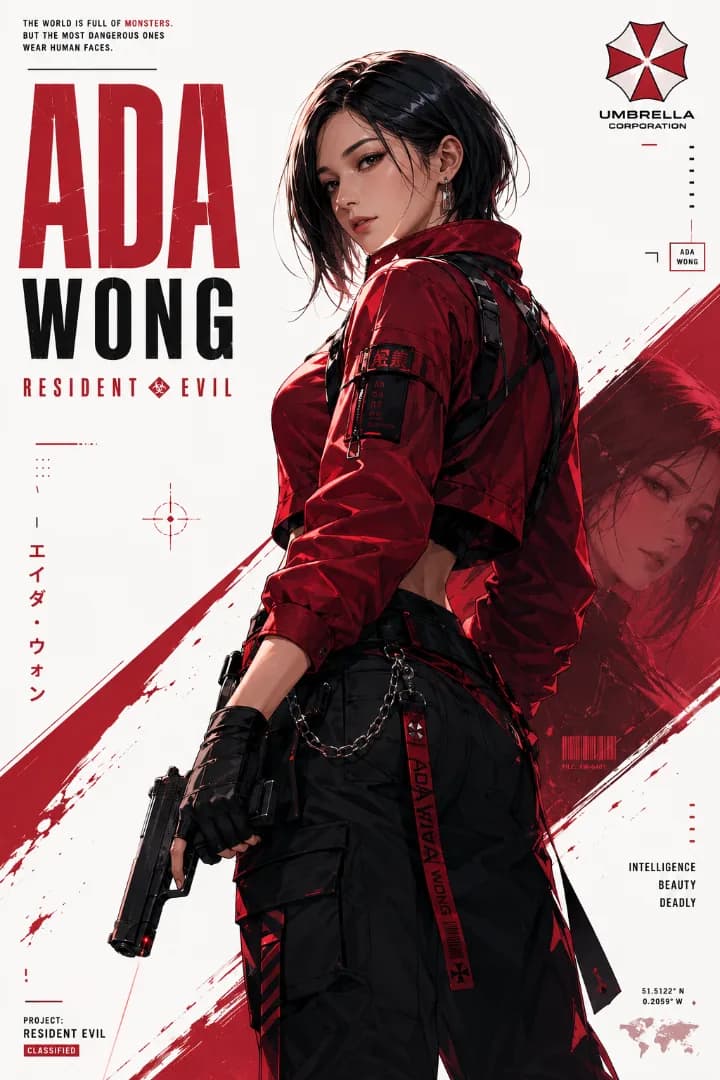
Ada Wong Resident Evil Character Poster
A bold anime-style character poster featuring Ada Wong in a modern techwear look, with dramatic red accents, clean typography, and a striking graphic composition.
ChatGPT80s Bollywood Couple Portrait
A romantic 1980s Bollywood scene with a couple beside a classic Indian car, styled in vintage sarees, retro fashion, and warm film tones.
ChatGPT80s Indian Saree Mirror Portrait
A nostalgic 1980s Indian family-album portrait in a cream-and-red saree, captured beside a vintage dressing table with warm afternoon lig
ChatGPT Gemini
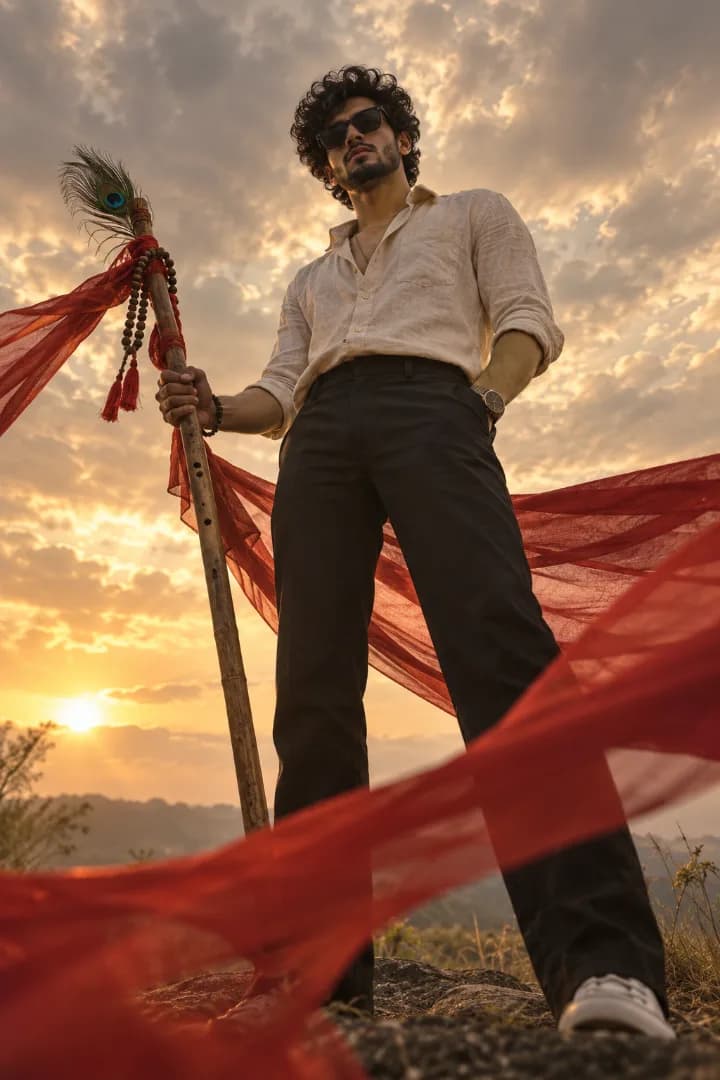
Krishna-Inspired Golden Hour Portrait
A cinematic low-angle Krishna Inspired portrait of a man in a cream linen shirt, surrounded by flowing crimson fabric and warm golden-hour light.
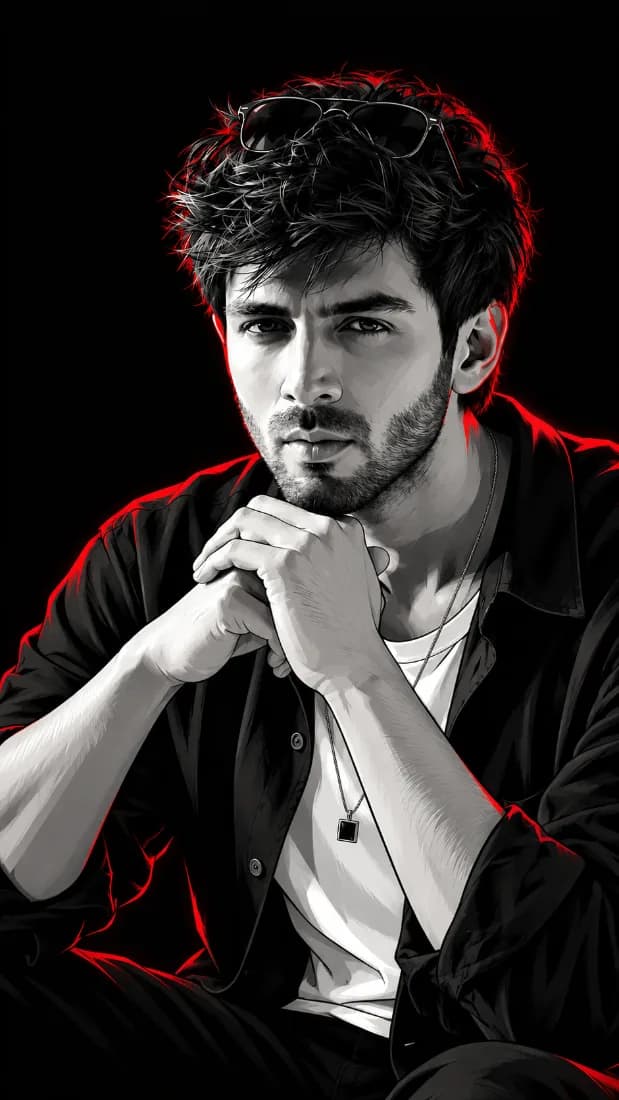
ChatGPTRed Neon Comic Book Portrait for Boys
A monochrome comic-book portrait with sharp vector shading, red neon rim lighting, a black background, and modern fashion styling.
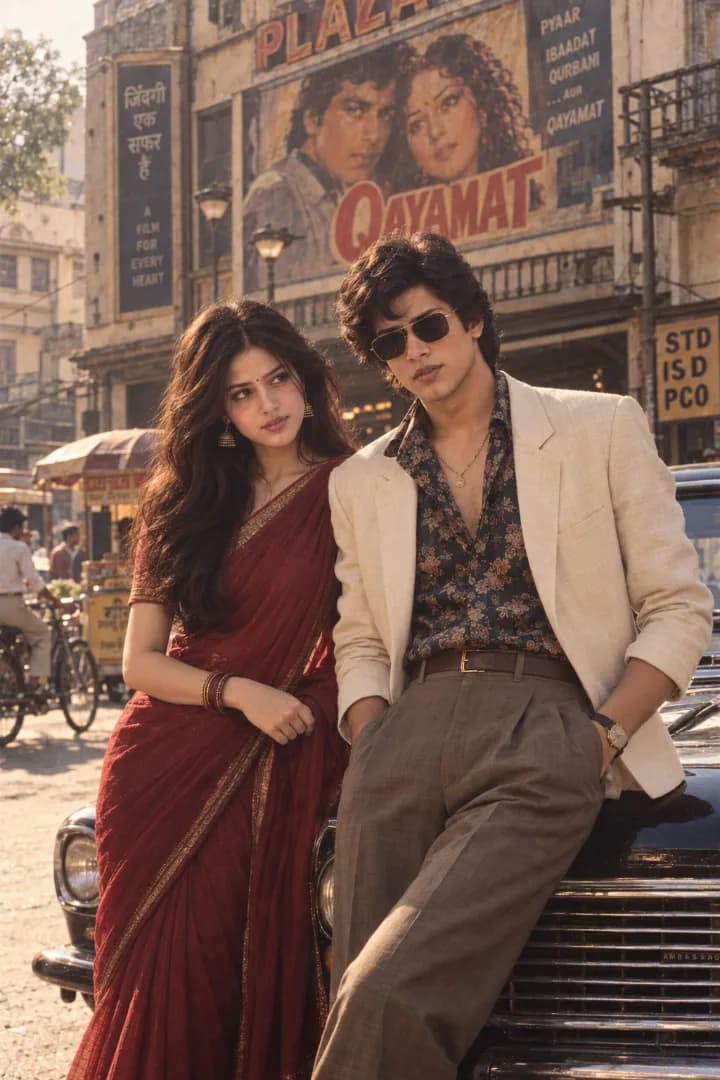
ChatGPT80s Bollywood Hero Vintage Car Portrait
A stylish 1980s Bollywood hero leaning against a classic Indian car, wearing a cream blazer, floral shirt and vintage sunglasses
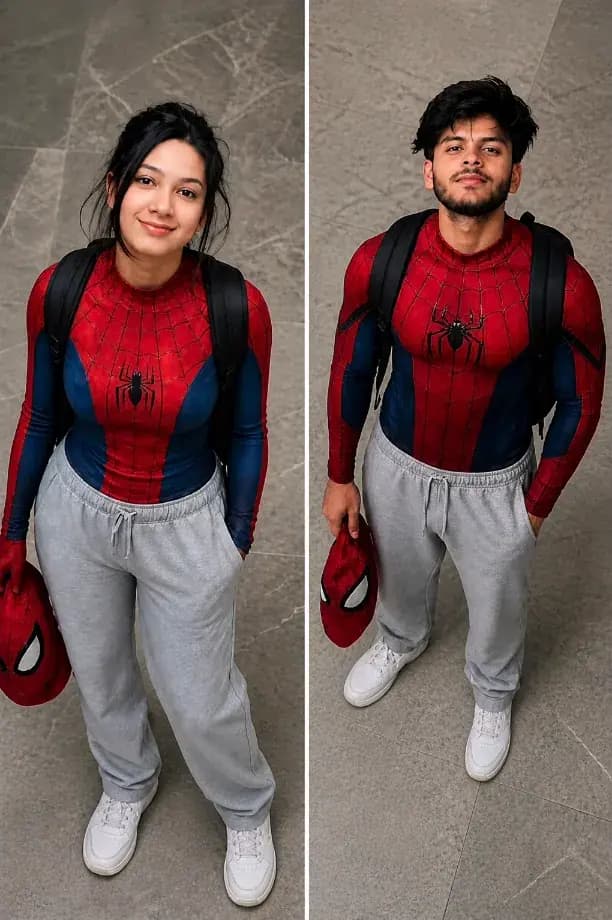
ChatGPTSpiderman Cosplay Ai Prompt
ChatGPT prompt for realistic Spider-Man casual outfit with high-angle cinematic style
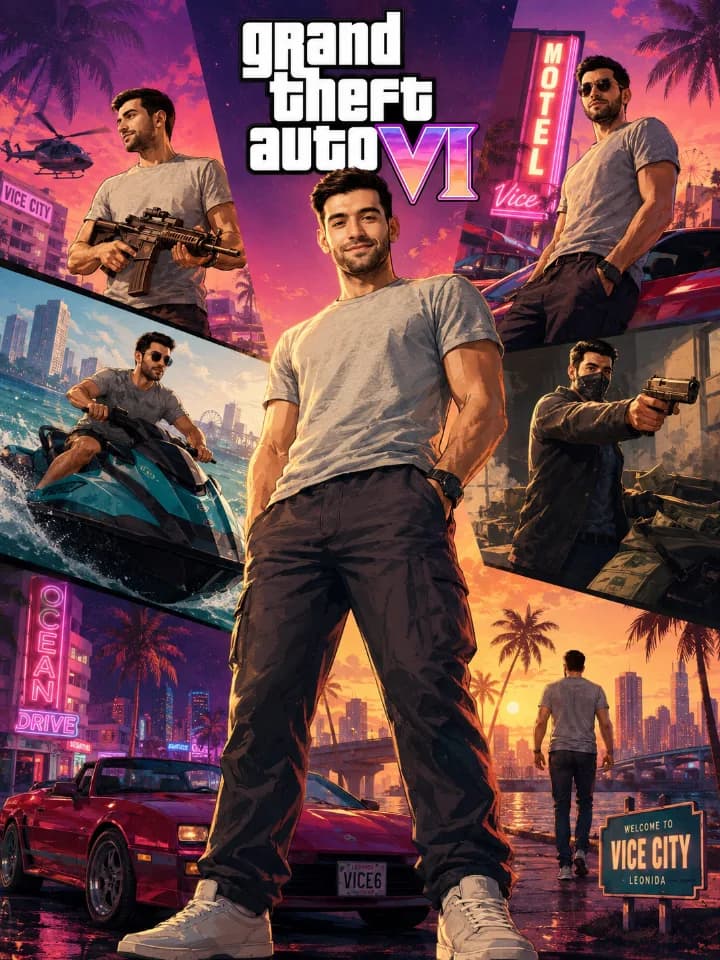
ChatGPTGeminiGTA VI Style Character Poster AI Prompt
GTA VI-style cinematic character Collage Image Prompt
Explore curated prompts organized by tool, style, mood, and use case. Find the right direction before you generate.
Found the perfect prompt? Click the copy button to instantly copy it to your clipboard with model-specific notes.
Open your preferred image tool, paste the prompt, attach reference images when needed, and adjust settings as needed.
Generate the result, save prompts you want to revisit, and keep useful ideas ready for your next artwork.
Browse & Discover
Explore curated prompts organized by tool, style, mood, and use case. Find the right direction before you generate.
Submission check
Prompts are checked for a clear title, useful example image, model label, and complete prompt text before publishing.
Prompt quality pass
We look for prompts that are reusable, specific enough to help creators, and organized with the right tools, categories, and tags.
Safety and clarity
Public posts should avoid misleading claims, unsafe instructions, broken images, and confusing placeholders.
Publish and improve
Approved prompts can be updated later with better descriptions, FAQs, model notes, and richer usage guidance.
ChatGPT
GPT Image 2
Premium
Prompt Quality
Excellent
Image Fidelity
Best For
Text & Realism
Gemini
Nano Banana 2
Optimized
Prompt Power
Stellar
Flexibility
Verified
Compatibility

Grok
Grok Imagine Image Quality
Optimized
Prompt Power
Stellar
Flexibility
Verified
Compatibility

Qwen Image
Image prompts
Optimized
Prompt Power
Stellar
Flexibility
Verified
Compatibility
Faster prompt browsing
Visitors can move through image prompt ideas by tool, style, and intent instead of guessing which post is useful.
Clear model context
Prompt pages show the AI tool and model labels, so creators know where each prompt is meant to be used.
Reusable collections
Multi-prompt posts, copy actions, and workflow notes make prompts easier to test and revisit later.
Better organized library
Sections, tags, search, and custom pages help the site feel like a curated resource instead of a raw feed.
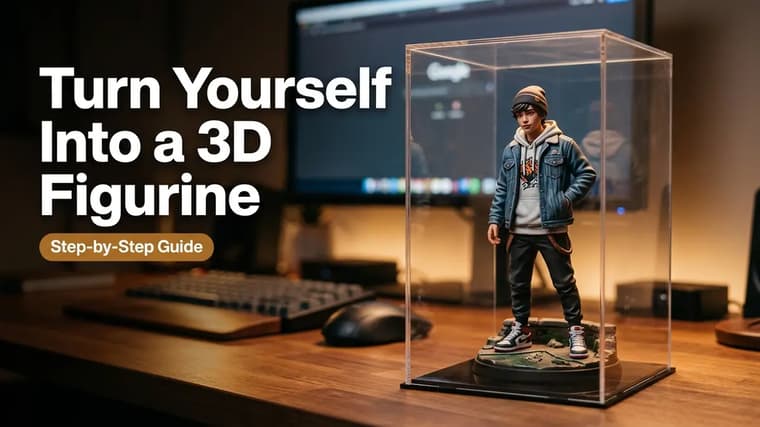
3D Figurine AI Photos: Turn Yourself Into a Collectible (Step by Step)
Step-by-step guide to the viral 3D figurine trend: turn a selfie into a boxed collectible with Gemini or ChatGPT, with a full prompt and fixes for face drift.
9 min read
ChatGPT Image Generation: A Complete Getting-Started Guide
A hands-on beginner guide to creating images in ChatGPT: describing scenes, using reference photos, revising conversationally, adding text, and exporting.
9 min read
Gemini AI Photo Editing: The Complete Beginner's Guide
Learn how to upload a photo into Gemini and transform it with a text prompt: outfit changes, background swaps, retro looks, and keeping your face identical.
10 min read
How to Use AI PromptMatrix: From Browsing to Your First Image
A step-by-step walkthrough of AI PromptMatrix: find a prompt on the explore page, read the prompt card, copy it, paste it into your AI tool, and refine the result.
8 min read
The Biggest AI Photo Trends of 2026 (With Prompt Ideas)
From 3D figurines to retro saree portraits and AI headshots — the AI photo trends dominating social media in 2026, why they work, and starter prompts for each.
8 min read
Who Owns AI-Generated Images? Copyright and Commercial Use, Explained Simply
Can you sell or copyright AI-generated images? A plain-language guide to ownership, tool terms of service, common legal risks, and a practical safe-use checklist.
9 min read
Negative Prompts Explained: What to Exclude and Why It Works
What negative prompts are, which AI tools support them versus natural-language exclusions, the negatives worth using, and when excluding things backfires.
8 min read
Reference Images vs Text Prompts: When to Use Each
Learn when a reference image beats a text prompt — identity, pose, products — when words win, and how to combine both in ChatGPT and Gemini without conflicts.
8 min read