
AI PromptMatrixAI PromptMatrix
bg
80s Bollywood Green Saree Portrait
ChatGPT logoChatGPT

80s Bollywood Green Saree Portrait

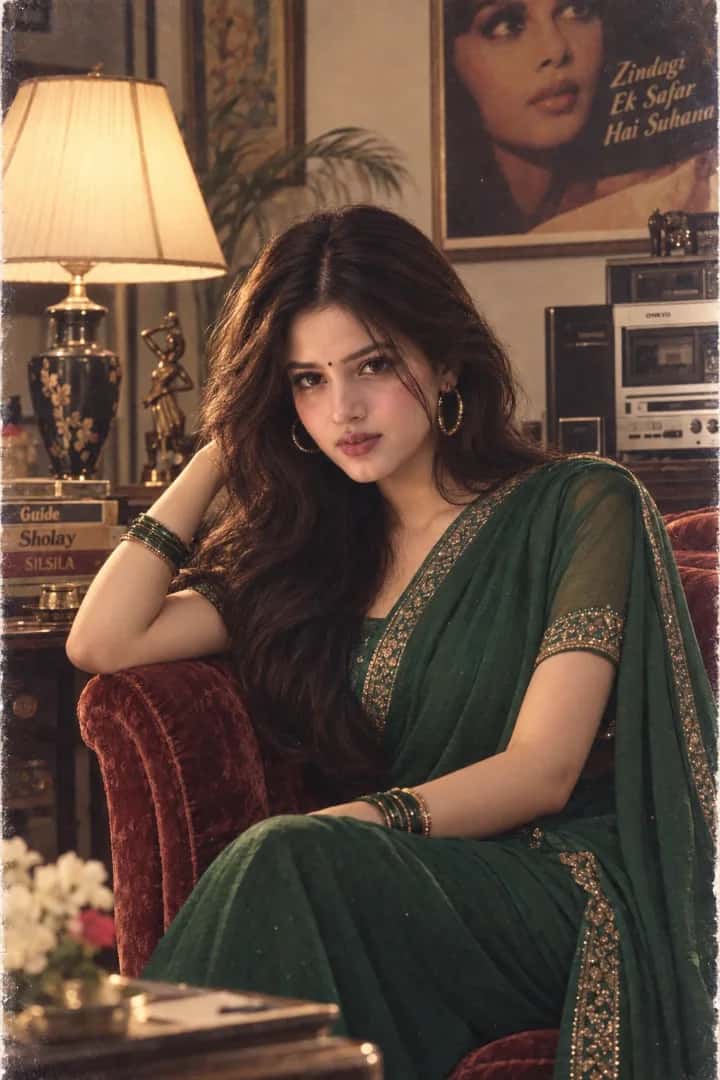
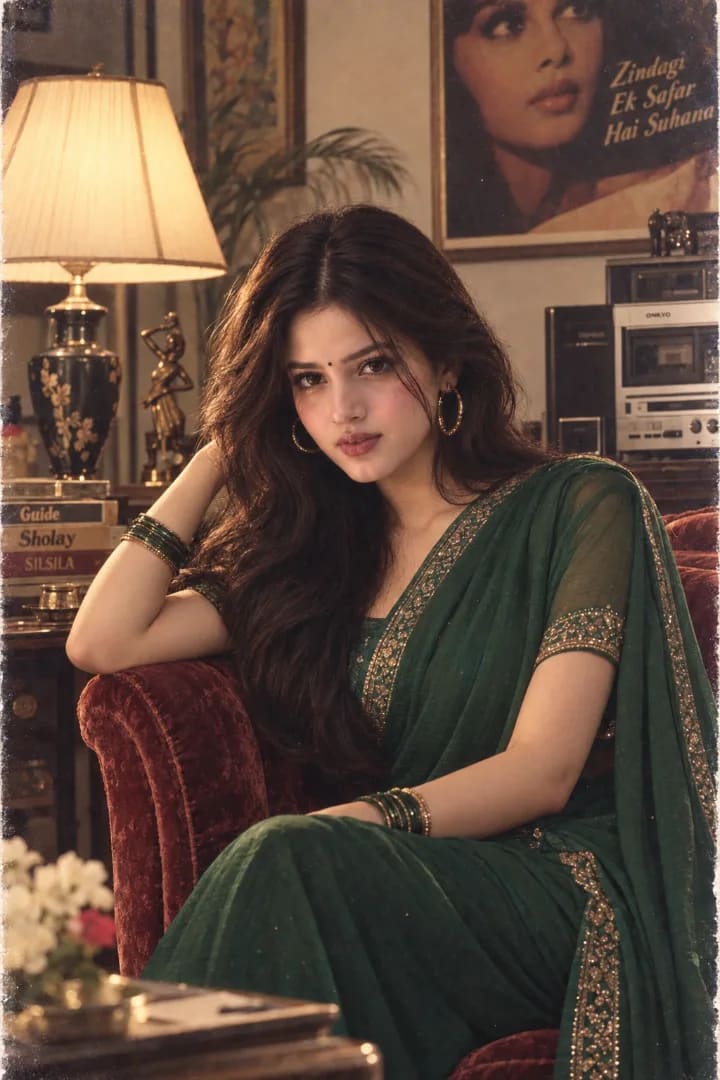
A glamorous late-1980s Bollywood portrait in an emerald-green saree, photographed indoors with warm lighting, vintage decor, and soft film grain.

AI

AI PromptMatrix Editorial Team

Published on September 10, 2026

Prompt Gallery (1)
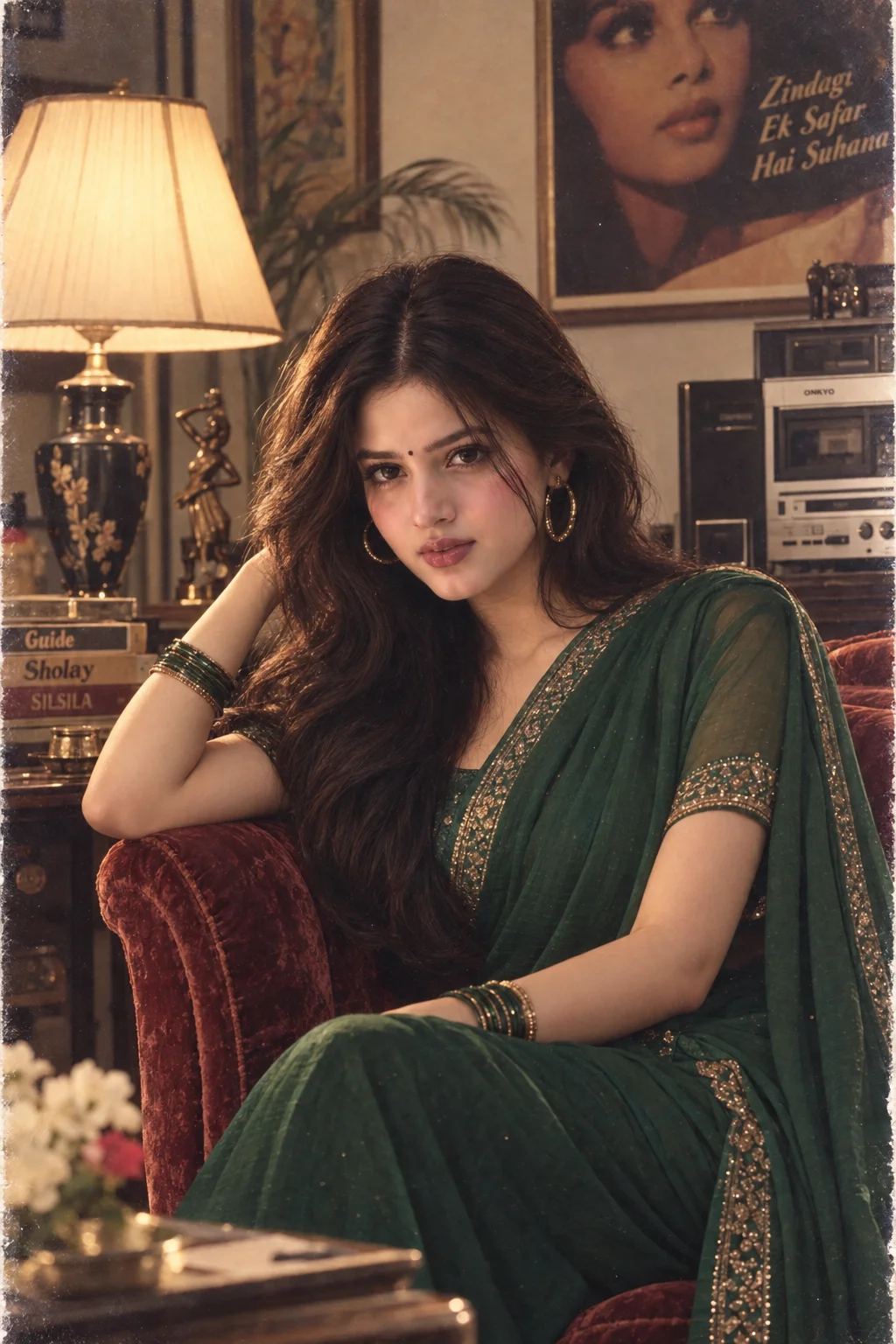
80s Bollywood Green Saree Portrait — ChatGPT prompt 1
ChatGPT logoChatGPT
PROMPT #1

Prompt

Use the uploaded photo as the ONLY identity reference. Preserve her exact face, facial structure, skin tone and recognizable identity. Create a glamorous late-1980s Indian Bollywood magazine editorial portrait. She wears a rich emerald-green saree with a classic embellished blouse, large gold hoop earrings, stacked bangles, a small bindi, and dramatic voluminous 80s hair with softly feathered layers. Makeup is period-inspired with defined eyeliner, warm blush and muted rose lipstick. She sits sideways on a vintage velvet chair inside a sophisticated old studio apartment, one arm resting casually on the chair and her face turned toward the camera with a confident, composed expression. Background includes a vintage table lamp, wooden furniture, framed artwork, an old stereo system and softly blurred decor. Shot on 35mm film with warm studio lighting, subtle flash character, soft highlights, fine film grain, slightly faded colors, gentle halation, realistic skin texture and shallow depth of field. Photorealistic 1980s Indian editorial photography, elegant and nostalgic without looking like a costume recreation. Avoid modern objects, modern makeup, excessive sepia, artificial scratches, plastic skin, CGI, illustration, or facial replacement.

Model: GPT Image 2

Share

Quick workflow

How to use these prompts

Copy, customize, and generate. Keep the original prompt structure intact, then adjust only the details you want to change.

01

Open ChatGPT

Use the tool or model listed with this prompt. If multiple tools are shown, choose the one you prefer.

02

Copy the prompt

Use the copy button on any prompt card, or copy the entire collection above.

03

Upload reference image

Attach your reference image first when the prompt is image-guided.

04

Customize details

Replace placeholders, names, colors, aspect ratio, or style notes as needed.

05

Paste and generate

Paste the prompt with the image, generate the artwork, then refine in small steps.

Keep exploring

Browse more prompt pages with examples, model notes, and copy-ready creative workflows.

Open prompt library