
 ChatGPT
1980s Bollywood Pink Satin Dress Portrait
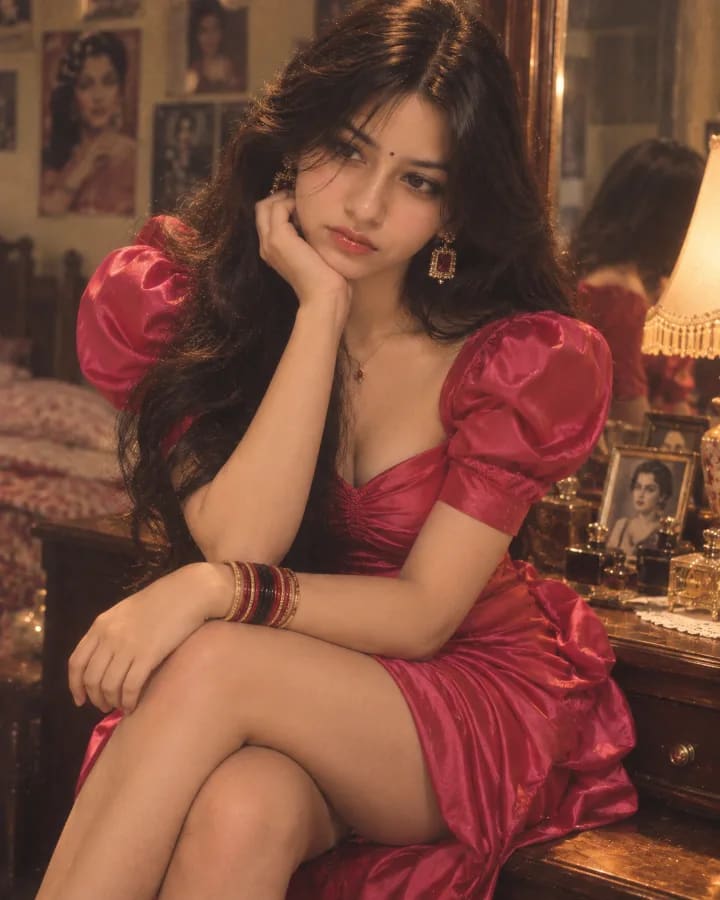
Generate a dreamy 1980s Bollywood dressing-room portrait with ChatGPT: a woman in a hot pink satin dress, gold jewelry, and feathered hair, seated by a vintage vanity.
 ChatGPT
Prompt
Share
Quick workflow
How to use these prompts
Copy, customize, and generate. Keep the original prompt structure intact, then adjust only the details you want to change.
Open ChatGPT
Use the tool or model listed with this prompt. If multiple tools are shown, choose the one you prefer.
Copy the prompt
Use the copy button on any prompt card, or copy the entire collection above.
Upload reference image
Attach your reference image first when the prompt is image-guided.
Customize details
Replace placeholders, names, colors, aspect ratio, or style notes as needed.
Paste and generate
Paste the prompt with the image, generate the artwork, then refine in small steps.
Discovery Tags
Related Prompts
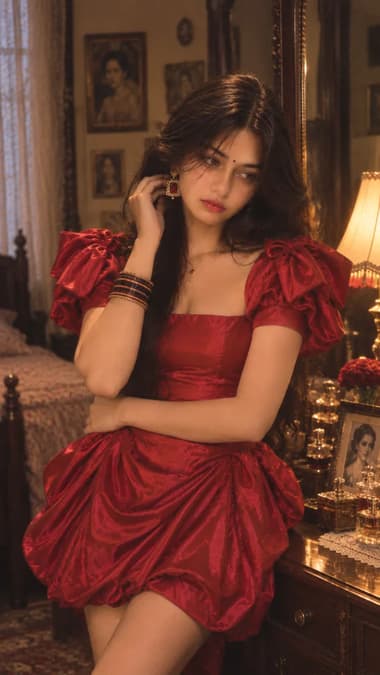
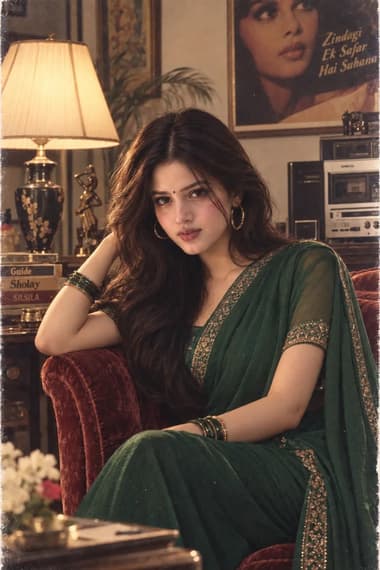
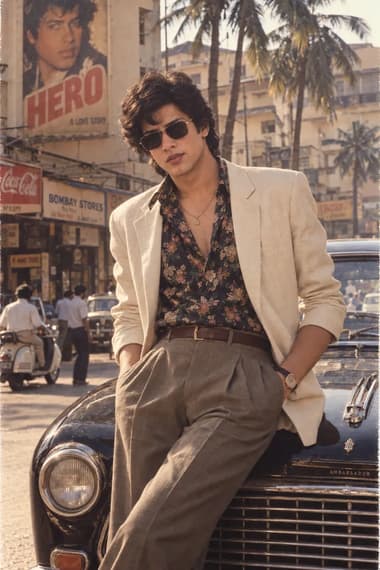
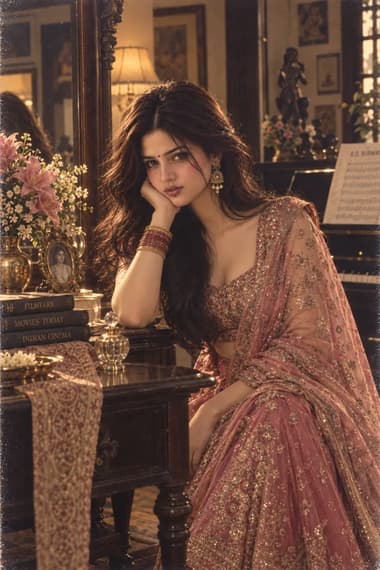
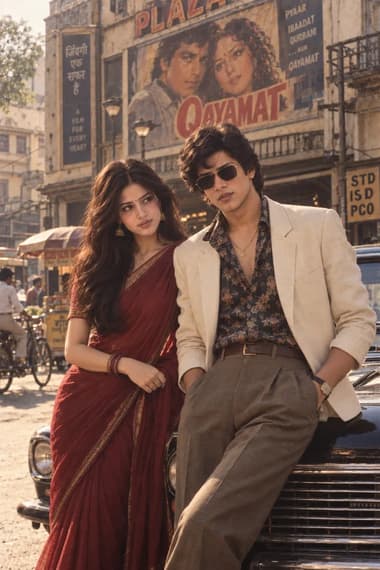
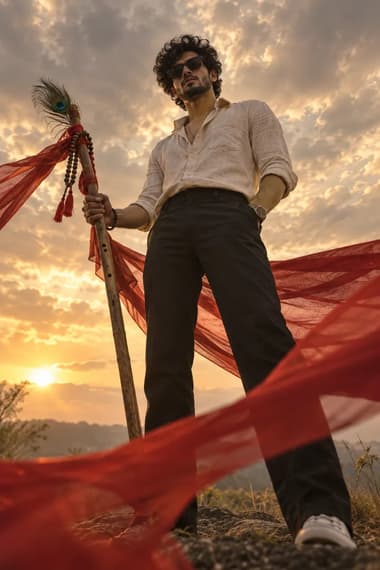
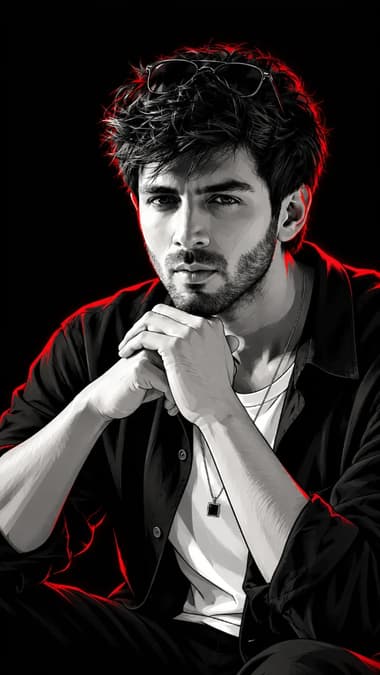
Explore More Prompts
Browse our curated library of tested AI image prompts or filter by your favorite tool.
Guide
Detailed Insights
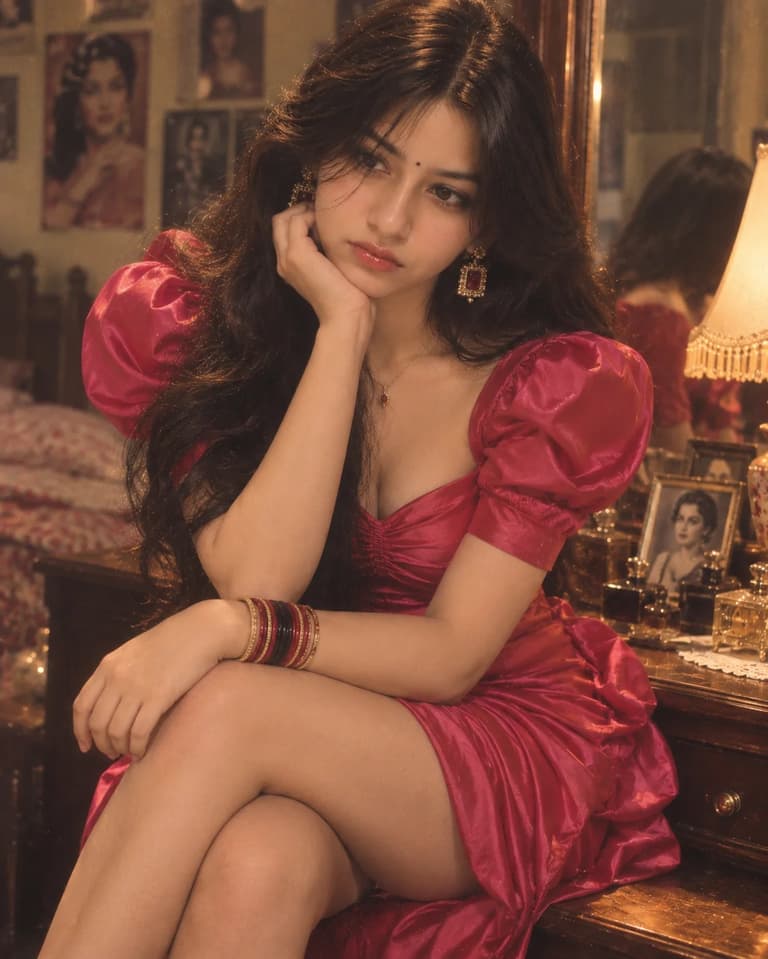
The prompt below builds a sunlit dressing room scene that looks like a still from a lost '80s Bollywood film. The hot pink satin dress, the large gold earrings with ruby stones, the feathered hair — all the elements come together without feeling stiff or over-produced. If you've tried generating vintage Indian glamour shots before, you know the challenge: getting the fabric folds right, balancing golden lamp light with natural window light, and avoiding that plastic AI skin texture. This prompt solves those problems.
The Dress and Styling
The outfit description is detailed enough that GPT Image 2 can lock onto the silhouette. The fitted ruched bodice, sweetheart neckline, and dramatic puff sleeves ground the image in late '80s fashion — think Sridevi or Madhuri Dixit in a filmi dress rather than a traditional saree. The stacked glass bangles (red, black, gold) and bindi add the unmistakably Indian touch.
Color palette: warm pinks, gold, and mahogany
The prompt leans into a specific color story: hot pink dress against rich brown furniture, punctuated by gold jewelry and the amber lamp. This contrast helps the subject pop without harsh lighting. If your outputs come out too cool or desaturated, push a little more warmth in post, or add "warm amber tones" to the prompt.
Lighting and Film Texture
The lighting instructions are the real workhorse. By asking for "soft tungsten lighting mixed with gentle window light," you're telling the model to simulate a mixed light scenario that feels organic. The prompt also calls for "warm film grain, subtle vintage 1980s color grading, slightly faded reds and golden highlights." That layer of analog texture is what separates this from a flat digital portrait.
Keep the film grain subtle
Too much grain can make the image look noisy instead of nostalgic. If your first attempt comes out grainy, reduce weight on "film grain" by adding "light film grain" or lowering the ISO effect in a follow-up edit. Some models interpret "film grain" very literally.
Making It Candid
The pose instructions are key: seated sideways, one hand near the cheek, looking away. Adding the phrase "natural candid moment, not a stiff fashion pose" tells the model to avoid a full-on editorial stare. The background details — perfume bottles, framed photographs, old books — give the image the feel of a real person's space, not a blank studio set.
Why This Works with GPT Image 2
ChatGPT's GPT Image 2 model handles fabric and skin texture better than earlier versions. The ruched satin material will show soft folds, and the description of "natural skin texture" prevents that waxy, over-smoothed look. The combination of 85mm lens and shallow depth of field also helps the model simulate a real portrait photography setup.
GPT Image 2 gets fabric right
GPT Image 2 pays attention to material descriptions. When you write "gathered draped skirt with soft folds" and "ruched satin," the model understands the visual difference between that and a smooth silk. If the folds don’t show up clearly, try moving the dress description earlier in the prompt.
Adapting for a Closer Portrait
If you want to experiment, you can crop in tighter by changing the framing. Swap "close-up to medium-close portrait" for "tight close-up, face and shoulders only," and adjust the aspect ratio to 3:4. You might lose the dressing-room context, but gain a more intimate mood.
FAQ
Frequently Asked Questions
Can I use this prompt with any AI image generator?
It’s written for ChatGPT’s GPT Image 2, which handles fabric texture and film grain really well. If you're using a different generator, you might need to tweak the lighting or film grain settings to match the vintage look.
How can I get a more candid, less posed look?
The prompt already specifies 'natural candid moment' and 'not a stiff fashion pose.' To push it further, add phrases like 'photographer caught her mid-adjustment' or 'unposed glance over the shoulder.' That encourages the model to avoid a static fashion shot.
What's the best aspect ratio for this portrait?
The prompt uses 4:5 vertical, which gives a nice editorial feel while keeping the dressing table and mirror in frame. For a tighter shot, try 3:4 or 1:1, but keep the description focused on medium-close framing to preserve the atmosphere.