AI PromptMatrixAI PromptMatrix
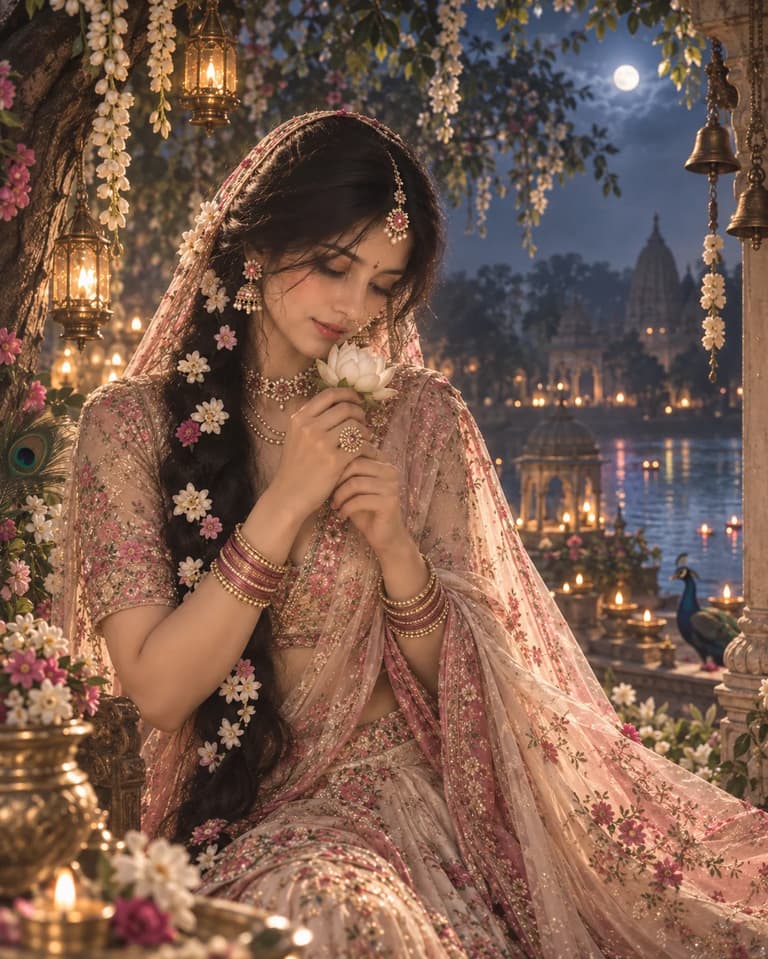
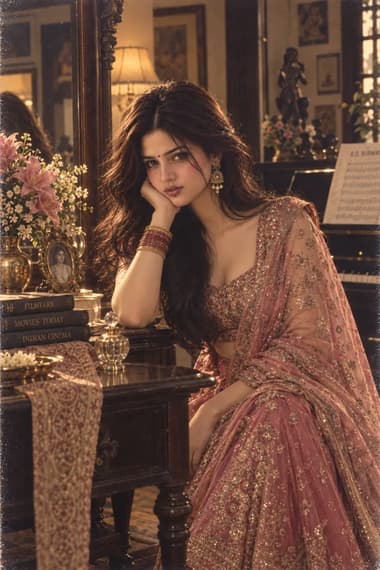
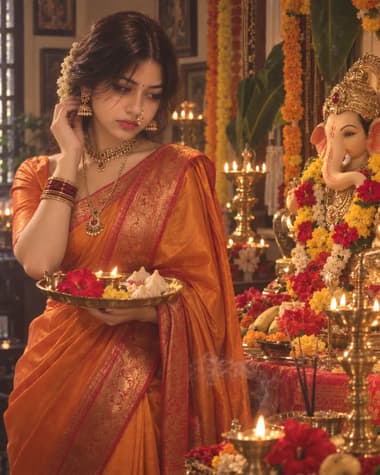
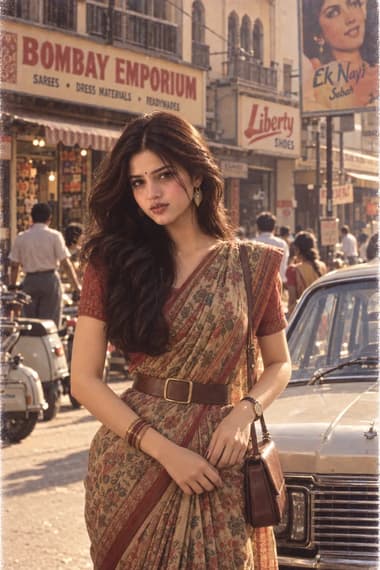
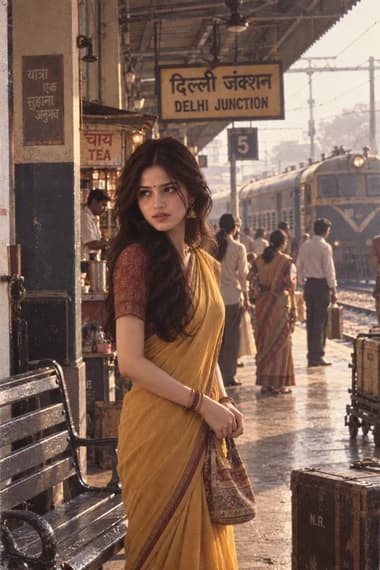
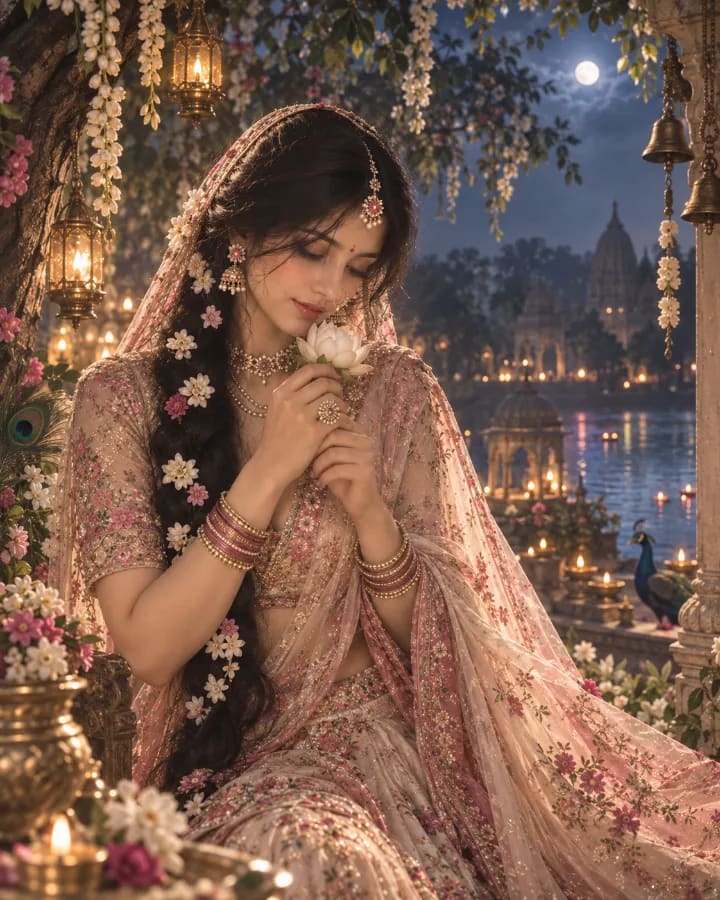
Dreamy Radha Ashtami Portrait
ChatGPT logoChatGPTGemini logoGemini

Dreamy Radha Ashtami Portrait

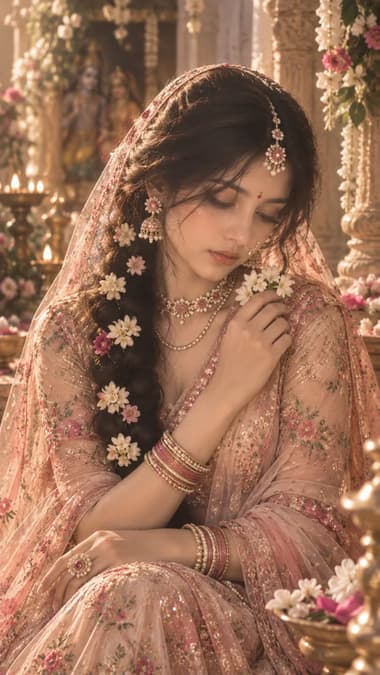
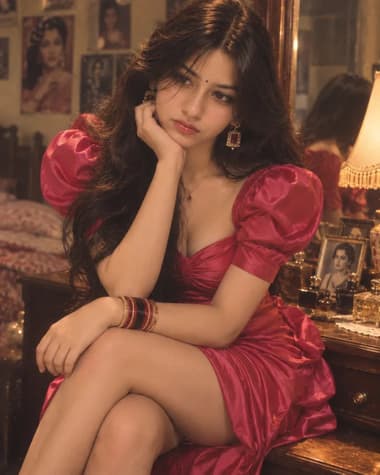
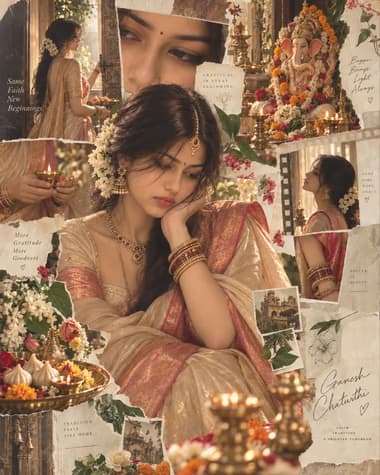
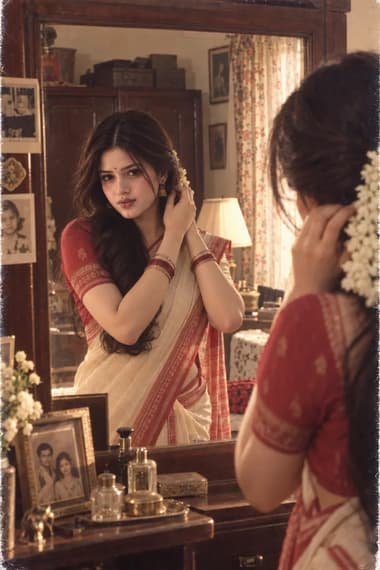
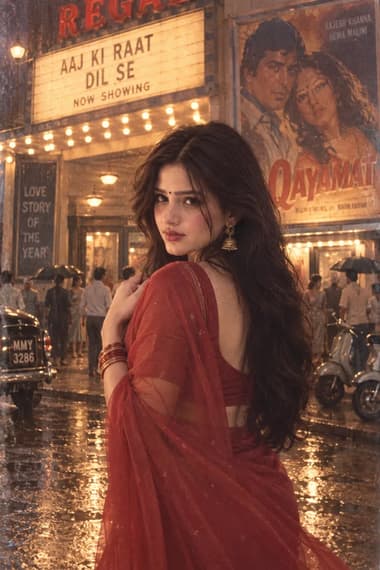
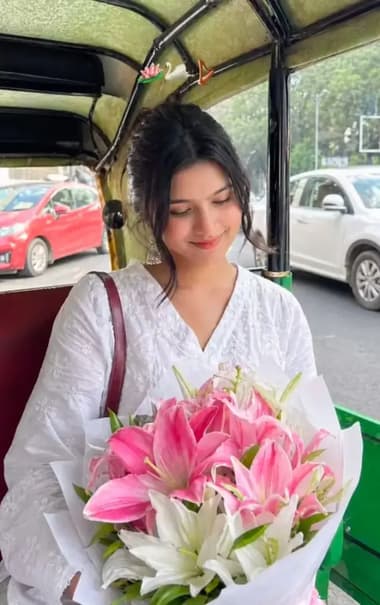
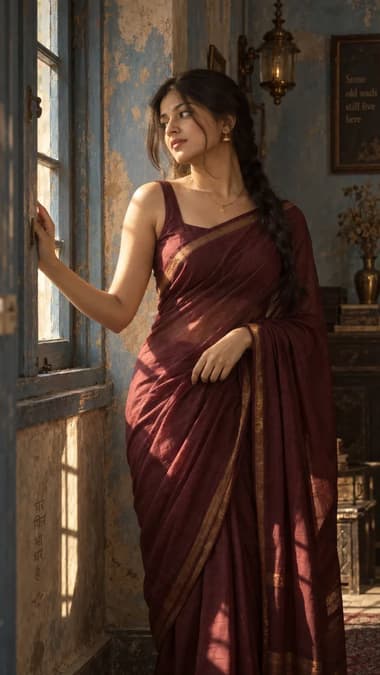
Use this prompt to transform your picture into a dreamy Radha-inspired portrait with pastel lehenga, floral jewelry, jasmine flowers, and a peaceful Vrindavan atmosphere.

P
Published byAI PromptMatrix Editorial Team

Prompt Gallery (1)

Dreamy Radha Ashtami Portrait — ChatGPT prompt 1
ChatGPT logoChatGPT
PROMPT #1

Prompt

Create a dreamy cinematic portrait of a young Indian woman inspired by Radha, standing in a moonlit Vrindavan garden surrounded by kadamba trees, white flowers, soft mist, and glowing lanterns. She wears a flowing dusty-rose and ivory lehenga with delicate floral embroidery, a sheer veil, antique gold jewelry, pearl layers, a floral maang tikka, a delicate nath, and jasmine flowers woven through her long dark braid. She gently holds a small white lotus near her face while looking slightly downward with a peaceful, shy smile. Her hair falls naturally over one shoulder, decorated with tiny white and pink flowers. The dupatta catches a soft breeze and creates a graceful flowing shape around her. In the background, show a softly blurred Yamuna river, distant temple silhouettes, hanging bells, floating diyas, and subtle golden lights among the trees. Add a faint peacock feather detail near the floral arrangement without making it look like a costume. Use moonlight mixed with warm lantern glow, pastel blush pink, ivory, muted gold, soft green, and deep blue tones. Dreamy Indian devotional cinema aesthetic, soft-focus beauty photography, delicate haze, gentle bloom, realistic skin texture, detailed embroidery, poetic atmosphere, elegant natural expression, professional color grading, subtle film grain, vertical 4:5 aspect ratio.

Model: GPT Image 2

Share

Quick workflow

How to use these prompts

Copy, customize, and generate. Keep the original prompt structure intact, then adjust only the details you want to change.

01

Open ChatGPT or Gemini

Use the tool or model listed with this prompt. If multiple tools are shown, choose the one you prefer.

02

Copy the prompt

Use the copy button on any prompt card, or copy the entire collection above.

03

Upload reference image

Attach your reference image first when the prompt is image-guided.

04

Customize details

Replace placeholders, names, colors, aspect ratio, or style notes as needed.

05

Paste and generate

Paste the prompt with the image, generate the artwork, then refine in small steps.

Explore More Prompts

Browse our curated library of tested AI image prompts or filter by your favorite tool.