 ChatGPT
 Gemini
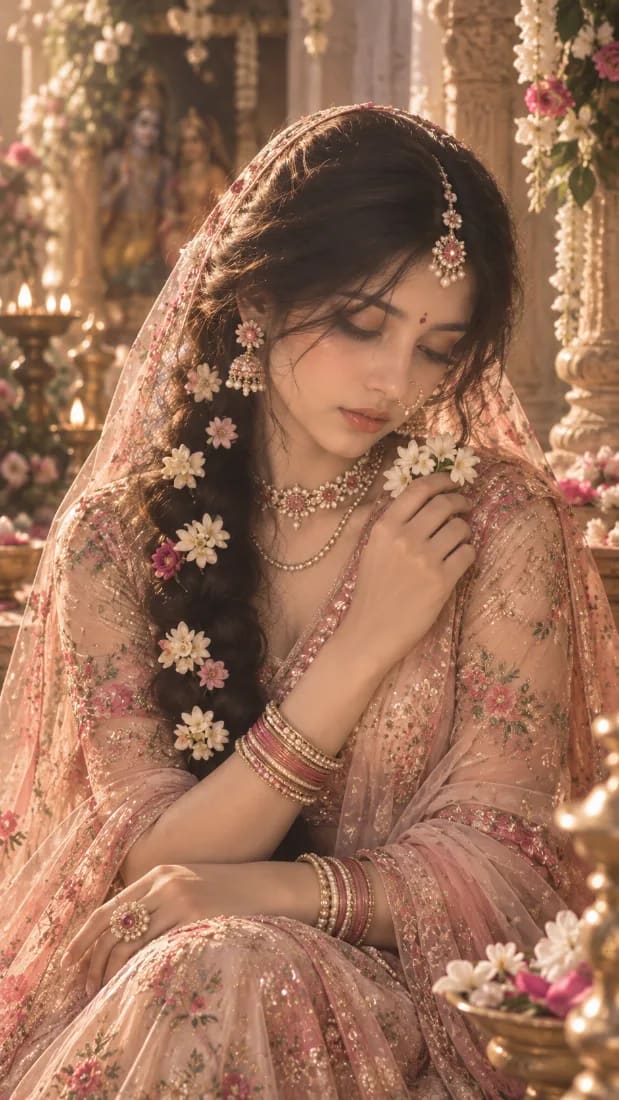
Dreamy Radha-Inspired Floral Portrait
Create a dreamy Radha-inspired devotional portrait with an elegant pastel lehenga, floral jewelry, jasmine flowers, soft temple light and a peaceful cinematic mood.
Prompt Gallery (2)
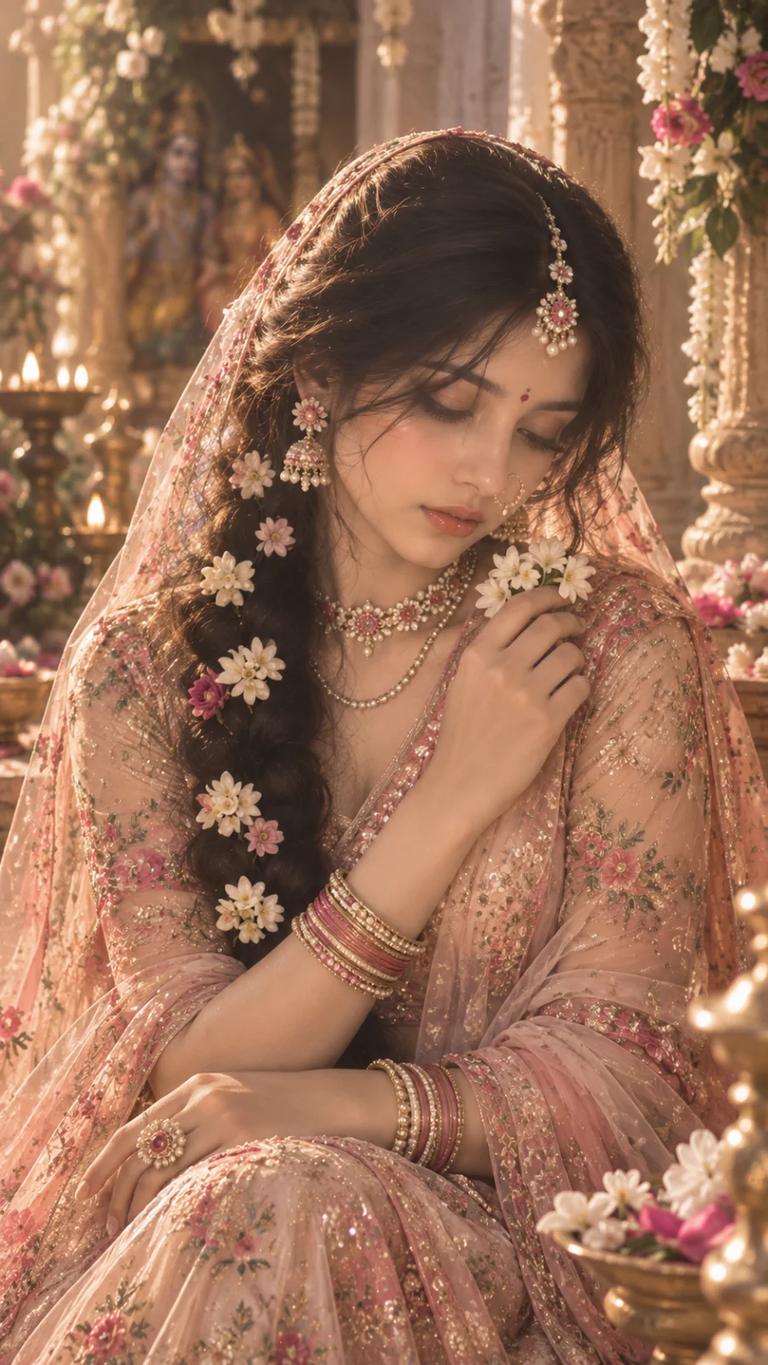 ChatGPT
Prompt
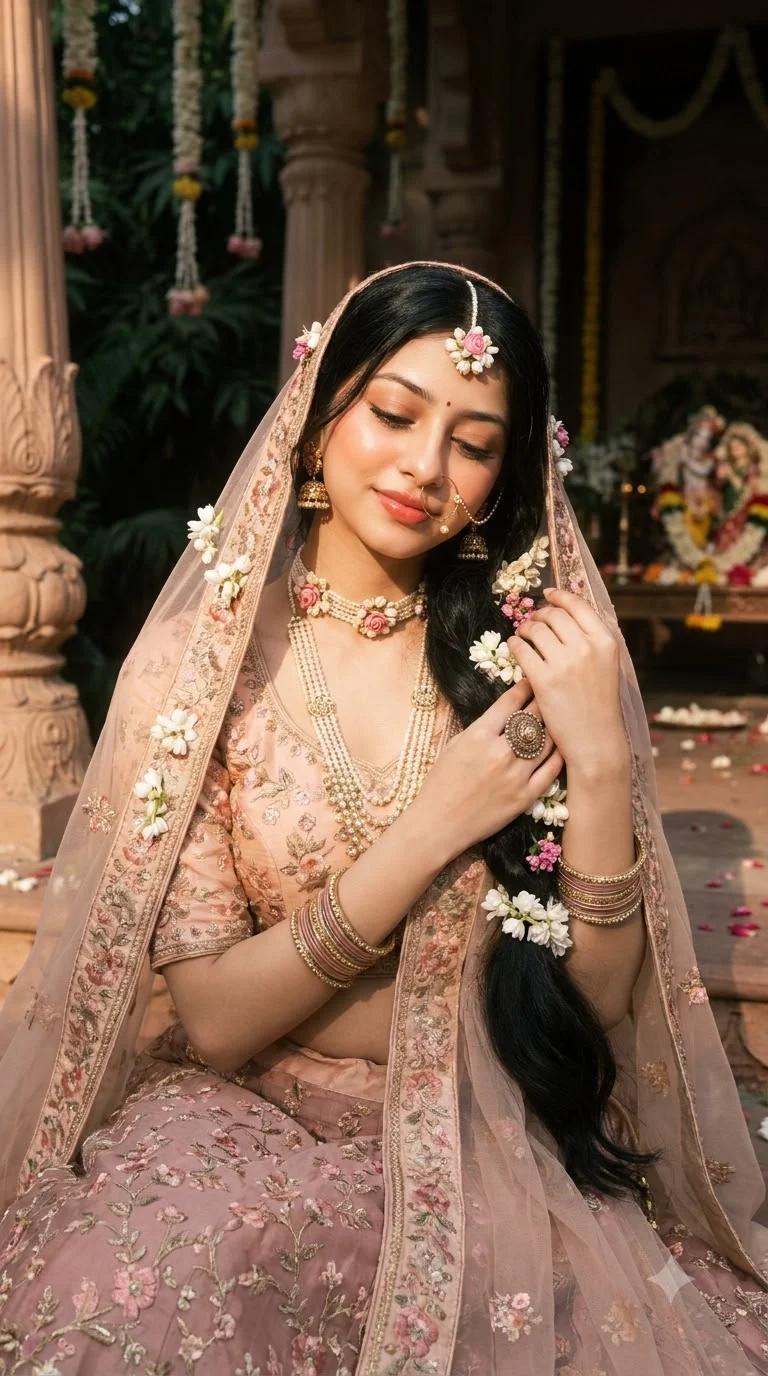 Gemini
Prompt
Share
Copy Entire Collection
Grab all 2 creative prompts instantly to use in your favorite AI generator.
Quick workflow
How to use these prompts
Copy, customize, and generate. Keep the original prompt structure intact, then adjust only the details you want to change.
Open ChatGPT or Gemini
Use the tool or model listed with this prompt. If multiple tools are shown, choose the one you prefer.
Copy the prompt
Use the copy button on any prompt card, or copy the entire collection above.
Upload reference image
Attach your reference image first when the prompt is image-guided.
Customize details
Replace placeholders, names, colors, aspect ratio, or style notes as needed.
Paste and generate
Paste the prompt with the image, generate the artwork, then refine in small steps.
Related Prompts
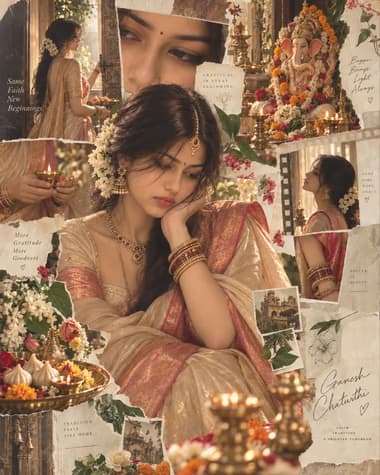
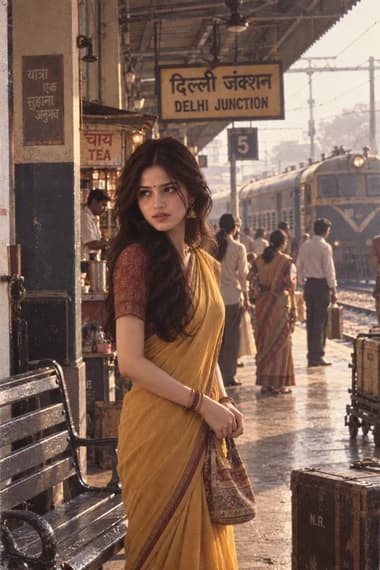
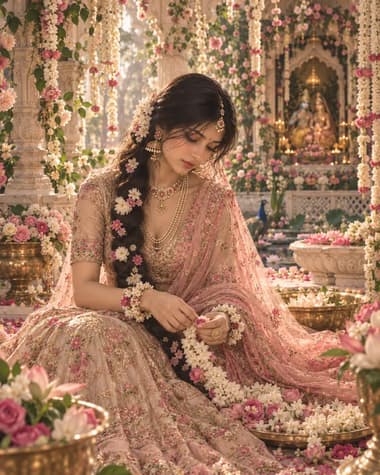
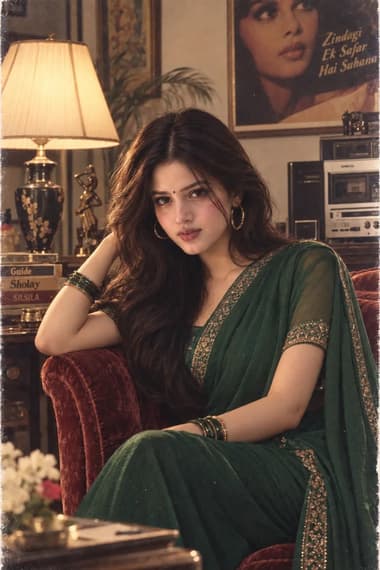
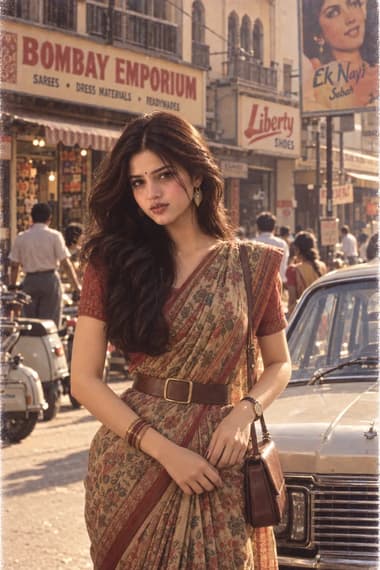
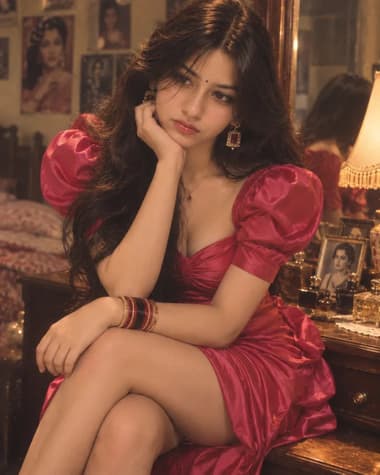
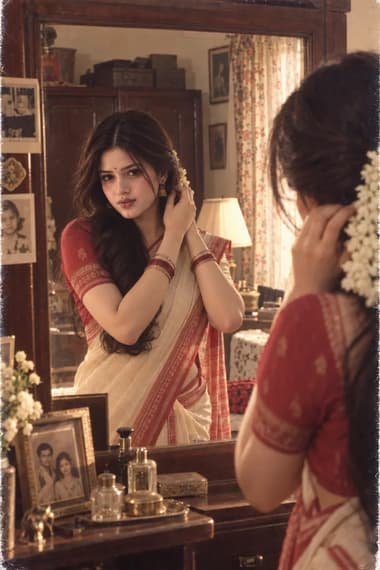
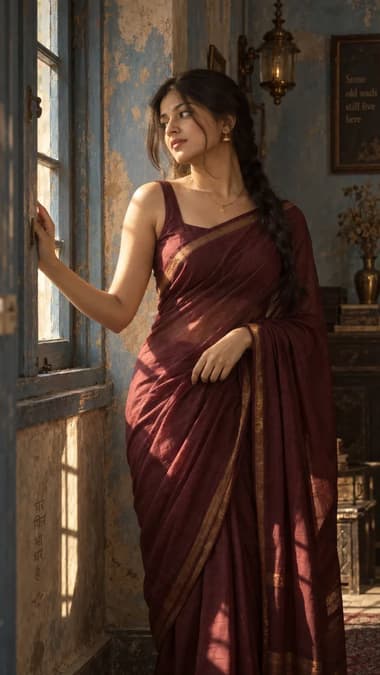
Explore More Prompts
Browse our curated library of tested AI image prompts or filter by your favorite tool.
Guide
Detailed Insights
What you’re actually building with this prompt
The “Dreamy Radha-Inspired Floral Portrait” prompt isn’t aiming for historical accuracy or temple-carving precision. It wants a specific emotional texture — a quiet, devotional softness that feels halfway between an old miniature painting and a cream-colored bokeh photograph. The light is the main character here. Think of late-afternoon sun filtered through jasmine vines, the kind that wraps a face without ever feeling harsh.
The portrait leans feminine, floral, and gently romantic, but not in a generic way. The Radha reference gives you a strong compositional anchor: a central female figure, often in three-quarter profile, with a crown or heavy garland of blooms, traditional jewelry, and a faint bluish-tinged skin tone that stops just short of fantasy. You’ll see a lot of lotus, rose, and jasmine — flowers that are culturally legible without needing to spell things out.
The prompt as it lives on the site:
A dreamy close-up portrait of Radha, lush floral crown of pink lotuses and jasmine, soft golden backlight, cream bokeh, delicate traditional jewelry, subtle blue tint to the skin, serene half-closed eyes, oil painting texture
That’s the starting point. The core recipe — backlight, bokeh, floral density, skin tone — is stable enough to work with GPT Image 2 without heavy editing.
The visual details that actually matter
You don’t need to add thirty adjectives to get the mood. Three things carry most of the weight: backlight direction, flower density, and skin color.
Backlight is what separates a flat studio portrait from something that feels alive. The prompt mentions it, but you can strengthen it with small additions like “rim light catching the edge of the dupatta” or “sunlight breaking through the garland.” That same light layer also creates the bokeh naturally when you mention shallow depth of field or out-of-focus background blooms.
Flower density is a slider, not a switch. Too few flowers and the frame feels sparse — the “floral portrait” identity weakens. Too many and the model starts stuffing blossoms into the hairline, the neck, even the clothes in a way that looks like a textile pattern rather than a garland. I keep it anchored by naming two or three flower types and anchoring them to a specific placement: “crown of pink lotuses” plus “jasmine strands woven into the hair.”
Skin tone gets tricky. Radha’s skin is often depicted with a faint blue or blue-grey undertone, but GPT Image 2 can overshoot into literal cyan if you don’t give it a counterbalance. The phrase “subtle blue tint” paired with “creamy complexion” helps. You’re asking for a hint, not a body-paint color.
Keep the blue in check
If the skin reads too cold, add “warm gold jewelry and blush undertones” right after the blue tint description. That pushes the model to anchor the face in human skin before adding the devotional hue.
Steering the mood without losing the subject
It’s easy to lean so hard into “dreamy” that the face becomes a blurry afterthought. That’s the most common failure mode. The prompt includes “close-up portrait” and “serene half-closed eyes” for exactly this reason — they anchor the subject when the bokeh and soft-focus cues start pulling things apart.
If you want a little more texture, swap “oil painting texture” for “gouache on toned paper” or “soft watercolor and gold foil highlights.” GPT Image 2 handles painterly brush marks well. It can also produce delicate floral details if you steer it with precise placement cues. And it sometimes adds a subtle glow layer that works beautifully with backlight. Play with the wording to see how it interprets “soft golden backlight.”
Shift the weight to one shoulder
Instead of a centered crown, try describing flowers cascading over the right shoulder and letting the left side stay relatively bare. An asymmetrical shape adds a natural movement to the portrait without changing the prompt’s structure.
Model-by-model notes
GPT Image 2 tends to push the oil painting quality hard. Good if you want visible brushstrokes, gentle edge blur, and a warm palette that shifts pink and gold tones into a cohesive, dusk-like glow. Skin can go slightly too warm, so keep the “subtle blue tint” description as written.
Nano Banana 2 leans softer and more illustrative. It often adds a watercolor-like wash over the floral details and handles fine jewelry cleanly, but the backlight can feel muted. Bumping “soft golden backlight” to “warm sunlight piercing through jasmine strands” wakes it up. The faint blue tint stays subtle on its own with this model — you rarely need a counterbalance.
Next ideas